

How it works
Apply for permits for exceptional transport
See how Konvoix prepares the trip, readies the requests per country and passes the conditions on to your driver.
Per phase
From transport planning to invoice
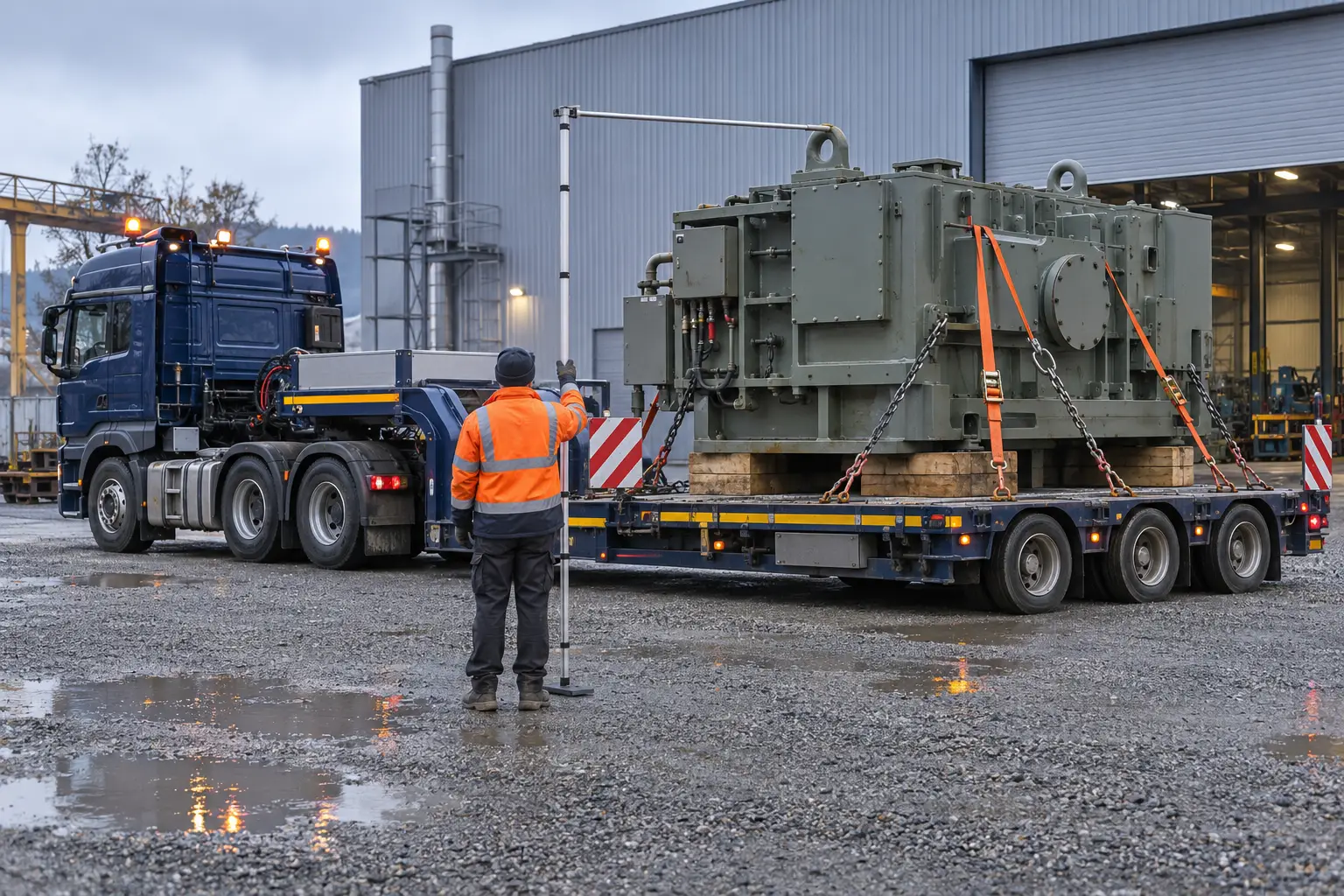
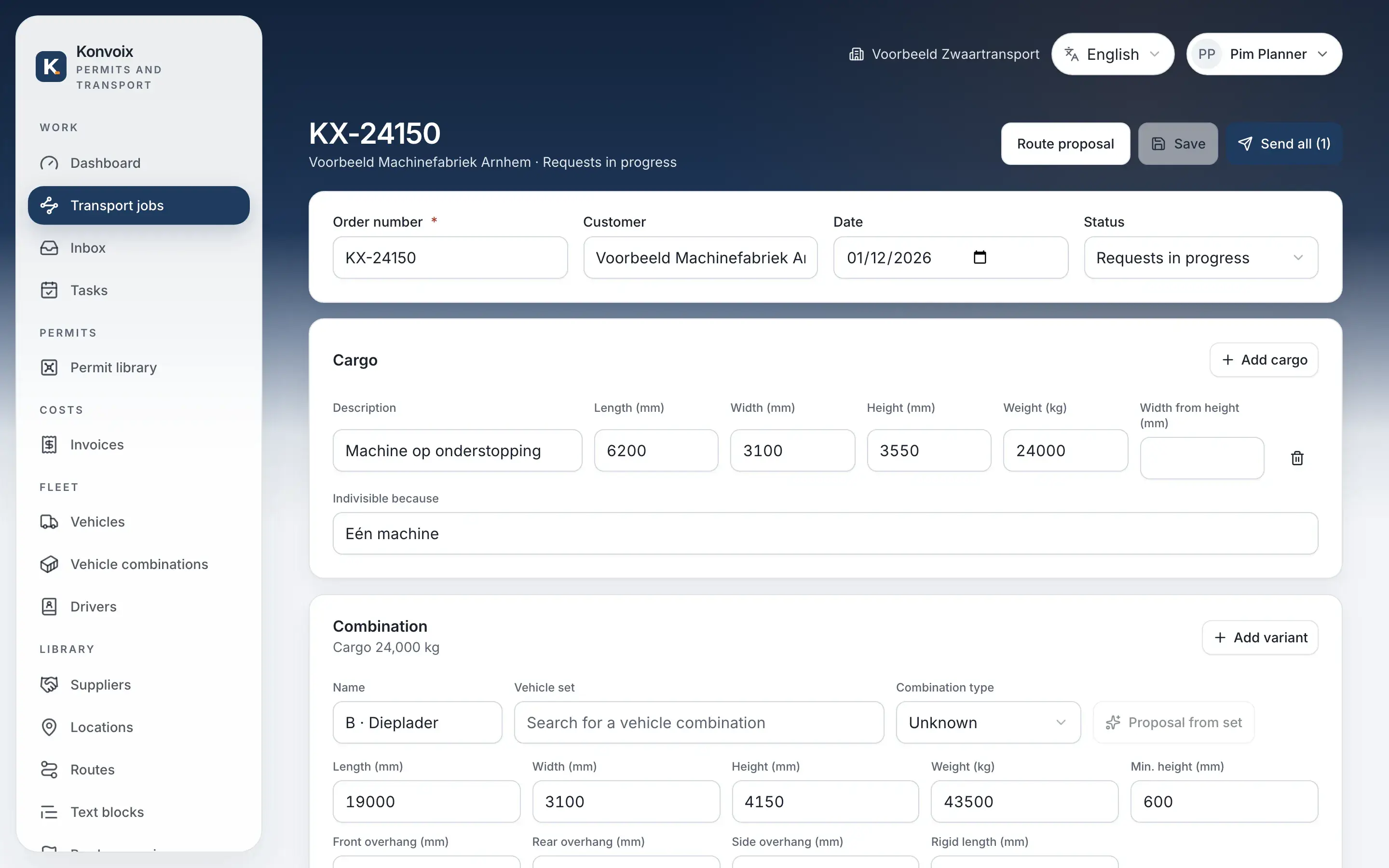
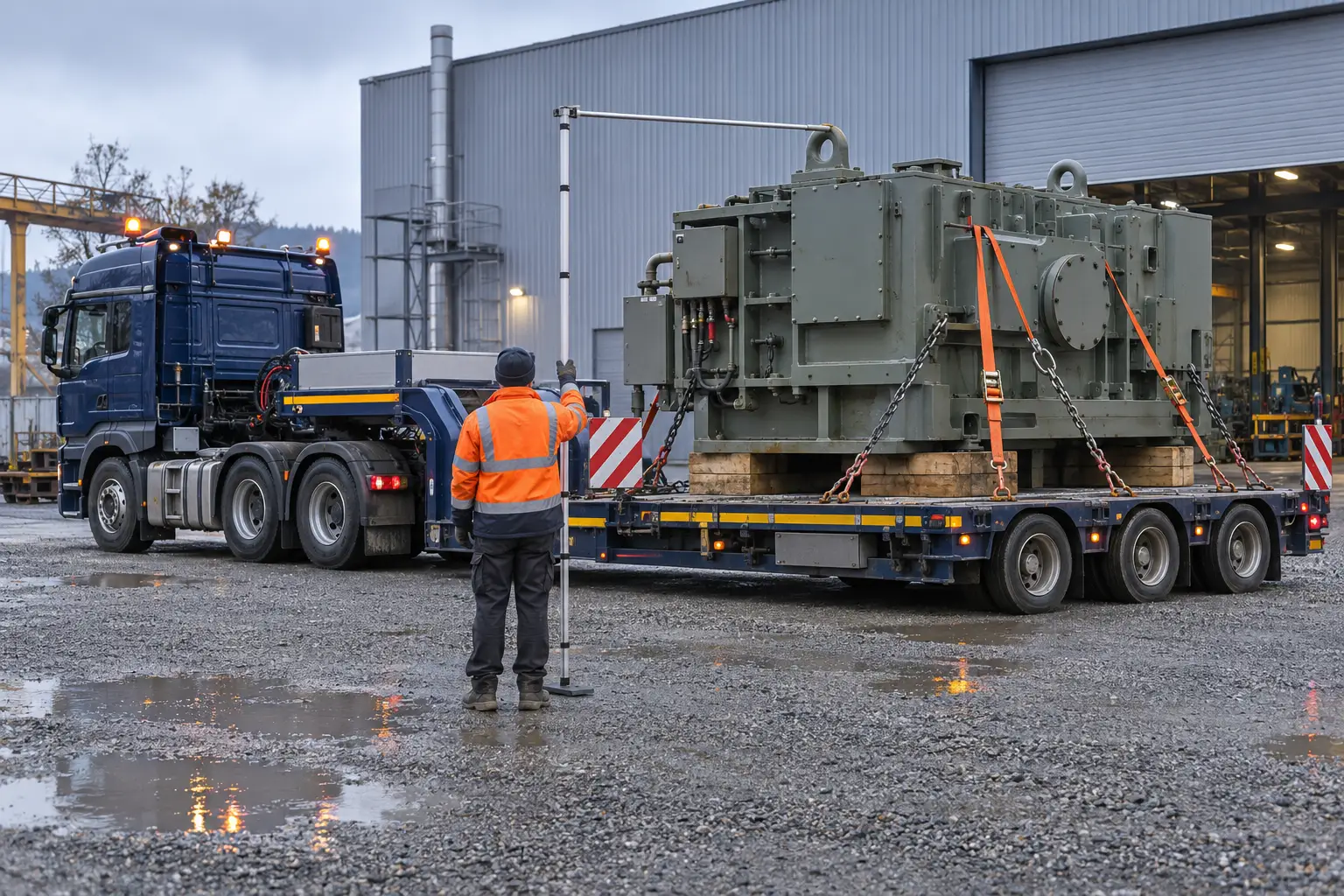
Prepare
From customer enquiry to quote: load, fleet and route per country.
- Takes over orders, addresses and trip dates from your TMS (transport management system), customer email, PDF, spreadsheet or customer form.
- Reads load dimensions and weight. Proposes axle distances and centre of gravity from drawings.
- Takes over fleet lists. Completes registration numbers via the RDW. Reads vehicle documents and uses photos as a hint for type and visible axles.
- Reuses combinations, locations, routes, suppliers, contacts and standard texts. Shows the source of every suggested entry.
- Works out suitable combinations, loading positions and active axles. Checks loaded dimensions, overhang, coupling load and load per axle and axle group.
- Checks the route for height, width, weight, roadworks and closures. Splits it into country sections at the border crossings and prepares GPX and KML, plus a KML for VEMAGS for each German section.
- Looks up per country the thresholds, category, escort, police, driving bans and deadlines.
- Compares cost and lead time. Prepares the quote and the pre-calculation. Shows what loading differently or dismantling saves.

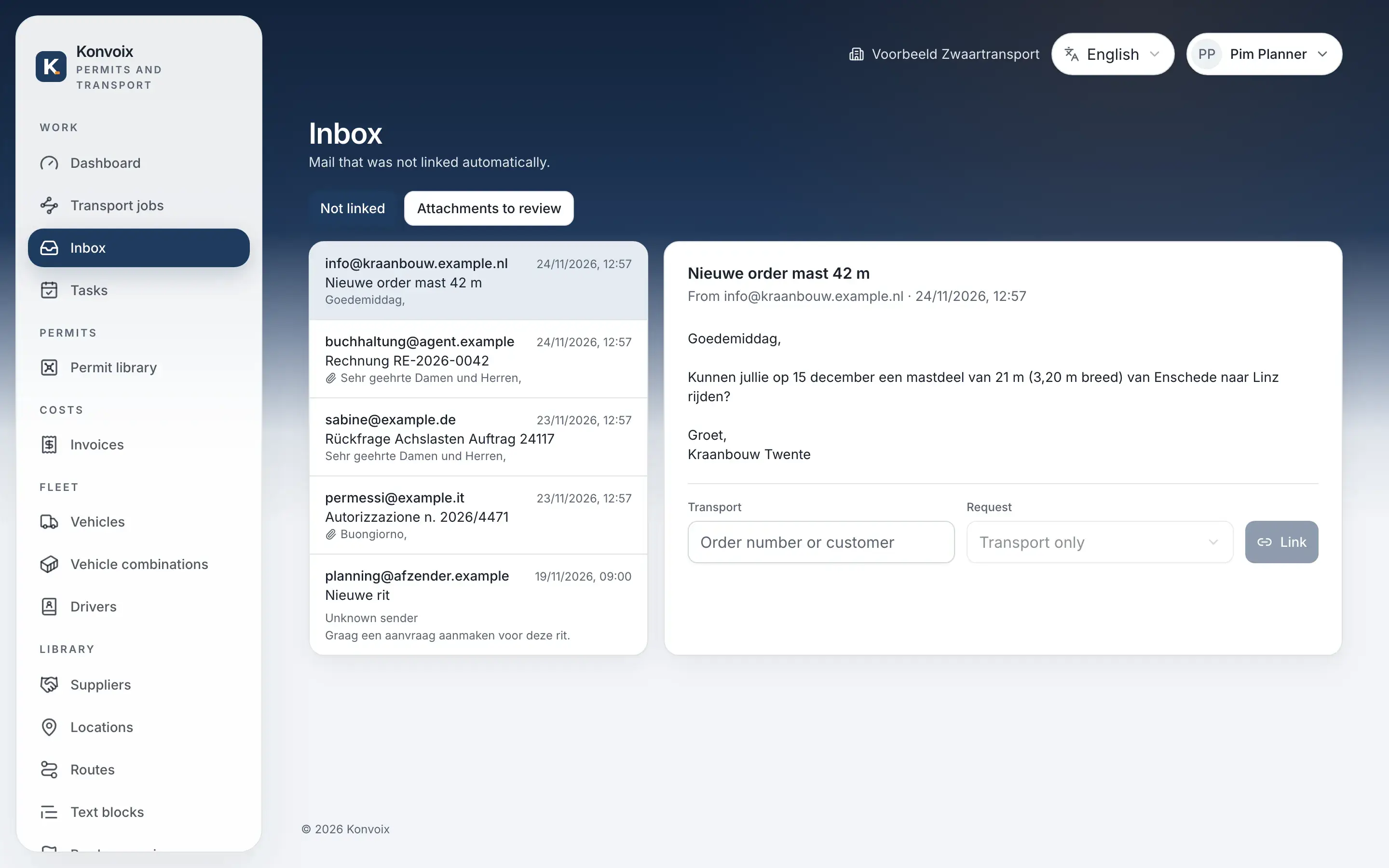
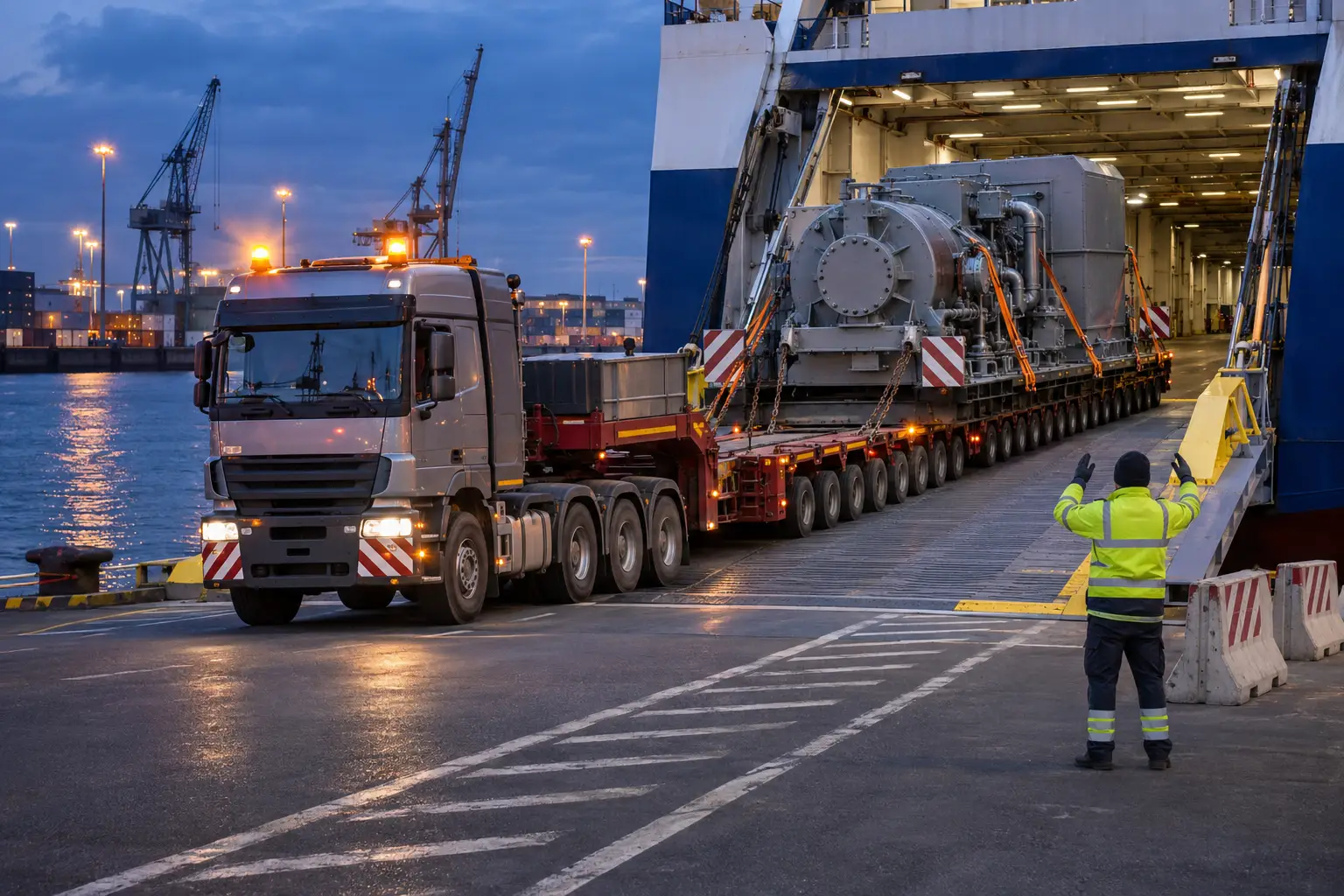
Apply
Konvoix fills in the right application form per country. After your approval Konvoix emails the documents in the agent’s language.
- Searches permits by registration number, route, dimensions, date and remaining trips. Reserves after your approval.
- For a repeat trip takes over load, routes and requests. Proposes cover for several trips or a longer period.
- Finds the authority and agent per country. Picks the form and fills in dimensions, axles, wheels, registration numbers, route and validity.
- Prepares fields and attachments for the desk. Writes the email, remarks and PDF in the agent’s language, for example the German VEMAGS application (VEMAGS-Antrag).
- Sends all prepared agent requests after your approval, with your company as the sender. Keeps what was sent and holds changes and registration additions separate.
- Tracks delivery and flags requests whose delivery is unconfirmed. Links replies through the reply address of each request to the right request version. Scans attachments for viruses.
- Flags questions, unclear links and missing replies. Finds tasks, requests and emails when you ask in plain language.
- Prepares escort requests, police notifications and ferry requests with the trip data. Stores the booking confirmation in the file.
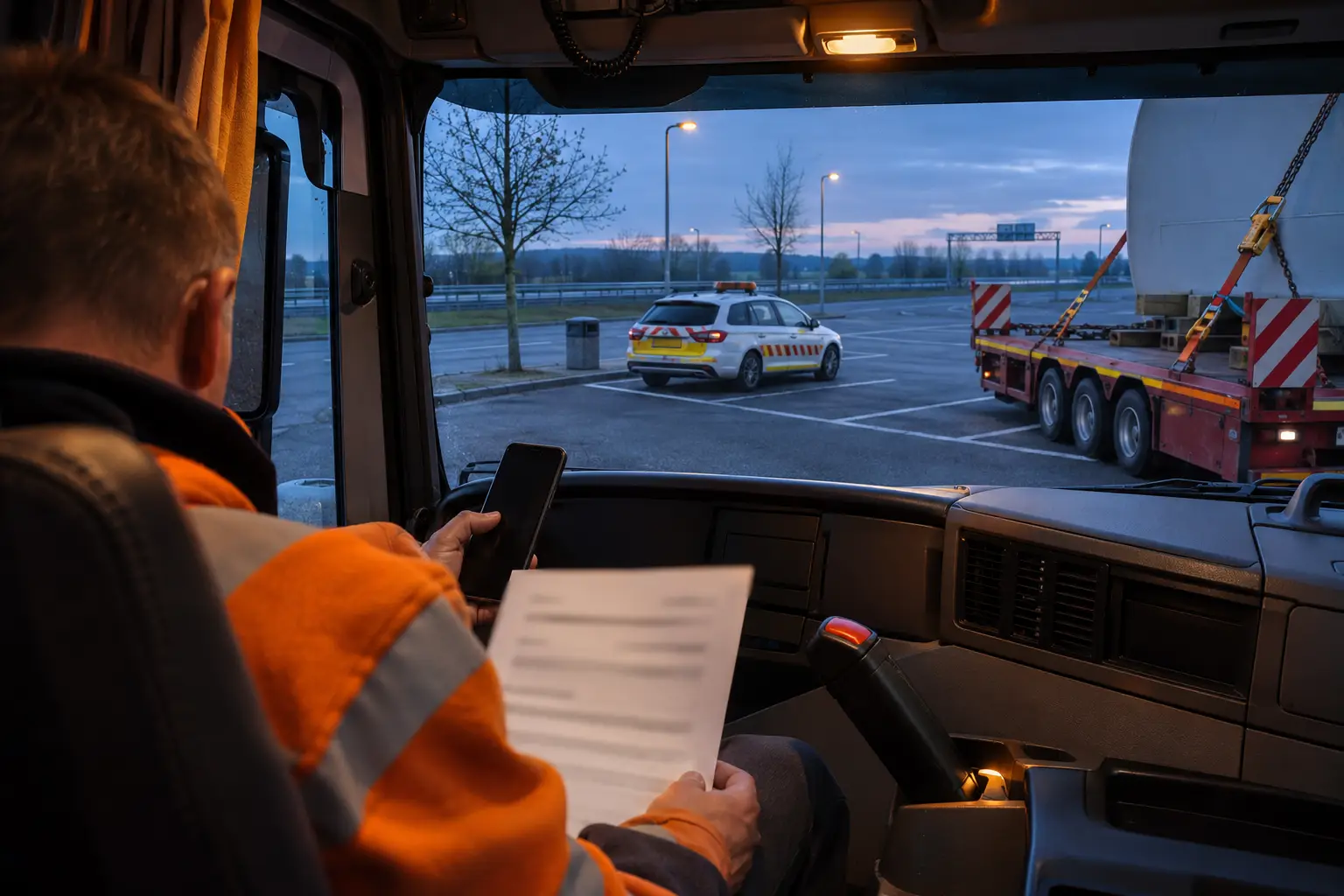
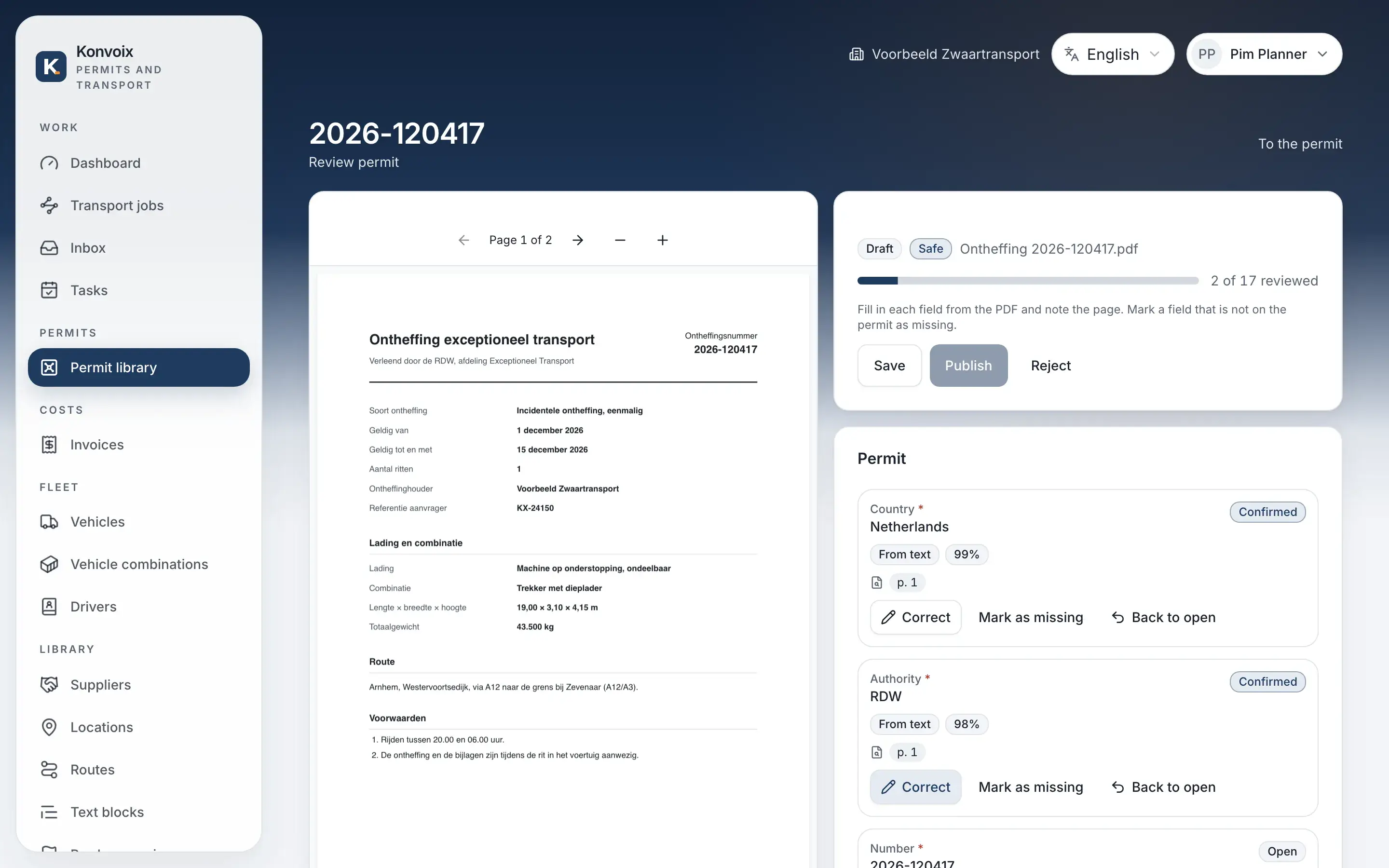
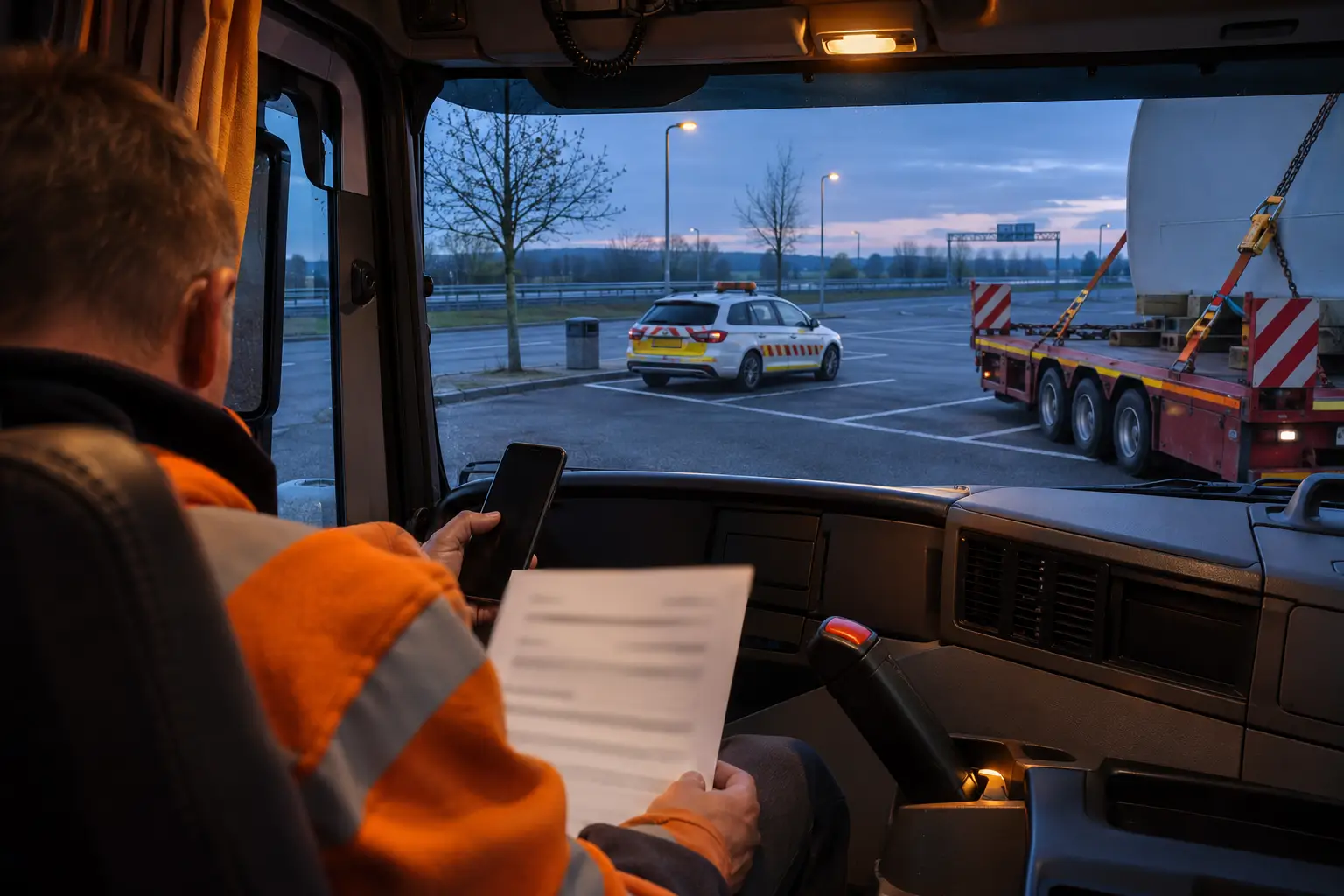
On the road
The decision next to the trip, the conditions in the cab.
- Suggests permit type, validity and number of trips from the permit header. You confirm each value, with the source page beside it.
- Compares the permit with the rule advice, the request and the planned trip. Flags discrepancies, including a different vehicle supplied by the TMS.
- Puts travel windows, escorts and notification duties with their deadlines on the trip. Reminds you of the notification and keeps the proof.
- Bundles permits, confirmed conditions, route order and phone numbers in a mobile page and an offline PDF.
- Flags when a change needs a new check, notification or version of the driver package.

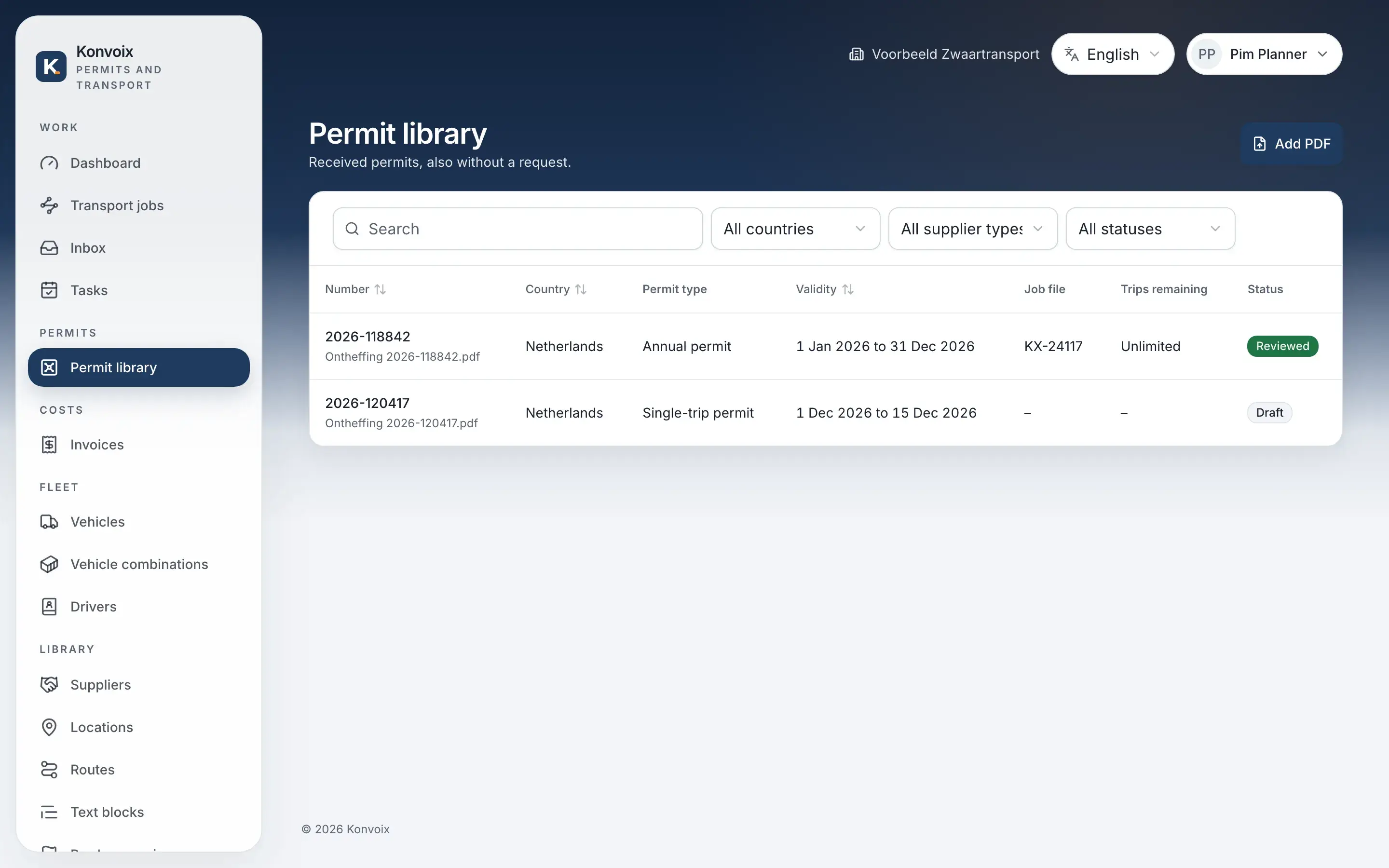
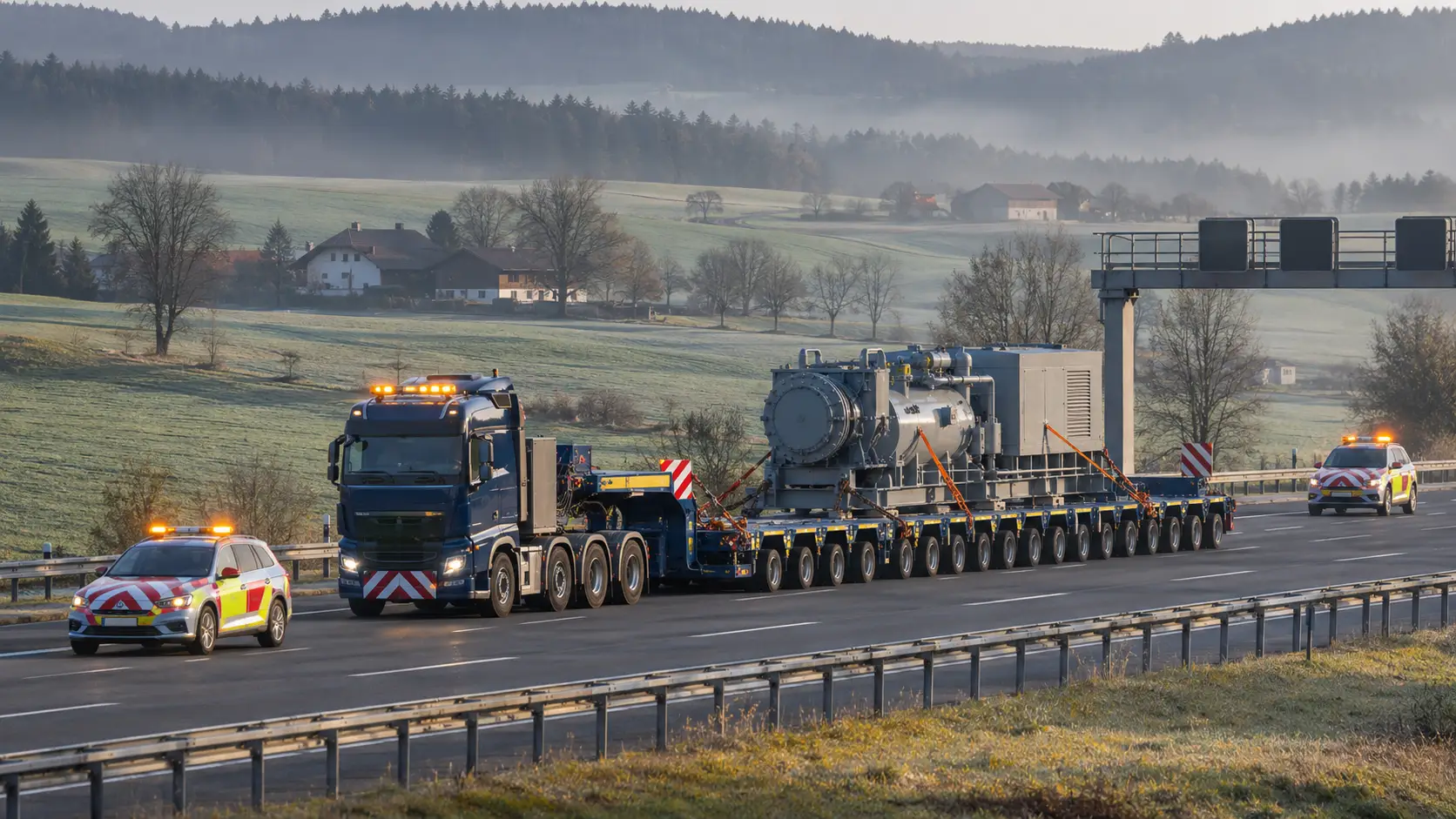
Afterwards
Permits in the library, costs next to the estimate.
- Keeps permits and additions in the permit library. Tracks reserved, used and remaining trips. Flags approaching expiry.
- Reads invoice lines from an attachment or upload. Flags duplicates and proposes the matching request version for each line.
- Puts confirmed invoice lines and credit notes per currency next to the estimate. Shows deviations and bookings still missing.
- Returns status, documents, conditions and costs to your TMS. Prepares costs for the accounts.
One job file
From Arnhem to Wels in five steps.
Customer enquiry
Konvoix reads the customer email. You confirm the details.
Equipment advice
Choose your equipment before you quote. Konvoix works out suitable combinations.
Requests per country
Per country what you apply for, with the rule and the source. After your approval Konvoix emails the agents.
Decision
Konvoix matches replies and decisions to each request and reads them. You confirm the fields.
Cab
The conditions are on the trip. Documents and contacts go to the driver as one bundle.
Compare combinations before you quote
See in the demo which permits, escorts and ferries your trip needs.
info@konvoix.nl